// prompt gallery
Every image ships its prompt.
Browse the plates, unlock the prompt behind any image, and open it in ChatGPT or Gemini with one click. Hearts save images to this device.
 Cosmic Date Embrace♡ 3
 Golden Orb Above the Fallen Shadow♡ 2
 Crown of Paint and Silence♡ 2
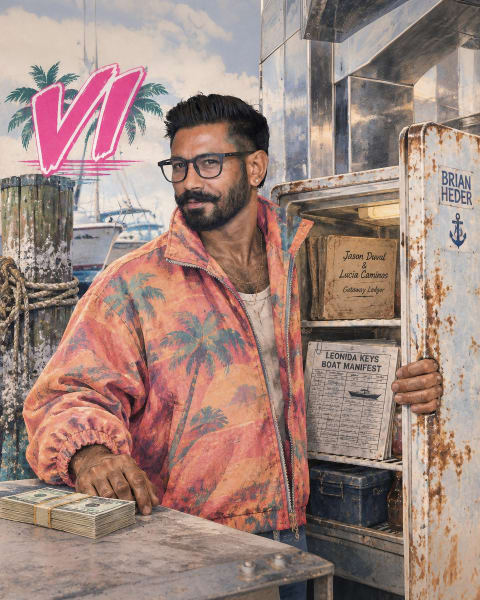
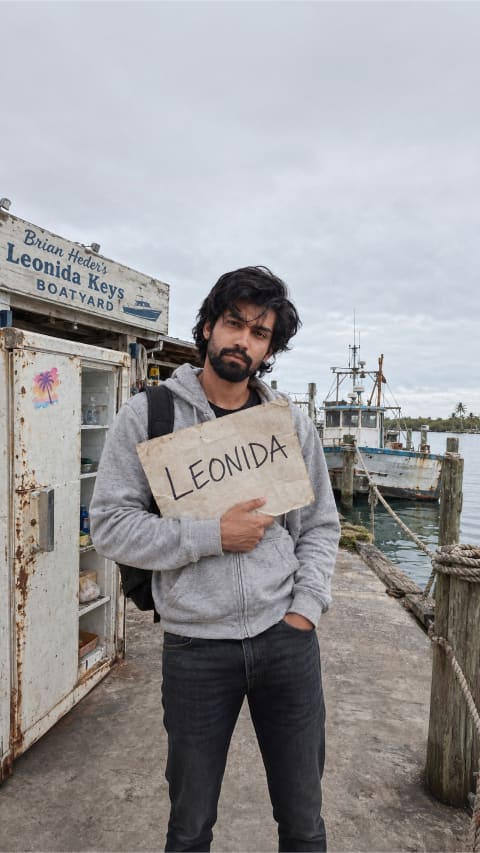 Unbothered Boatyard IOU♡ 0
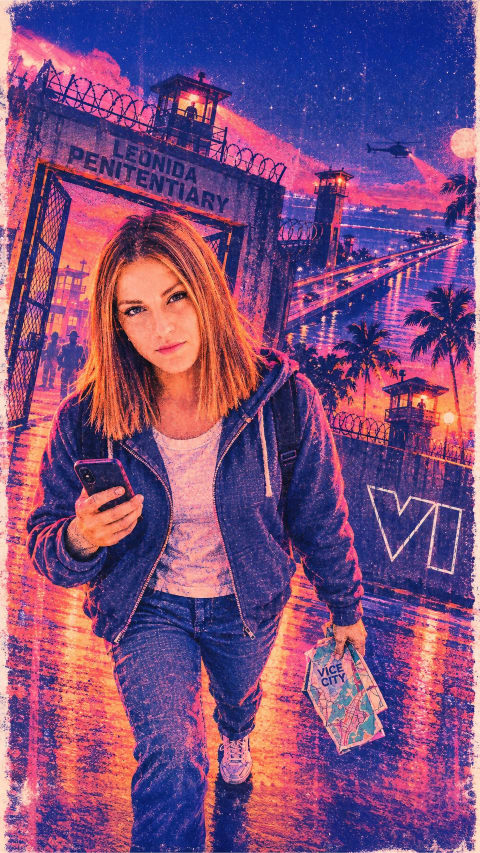
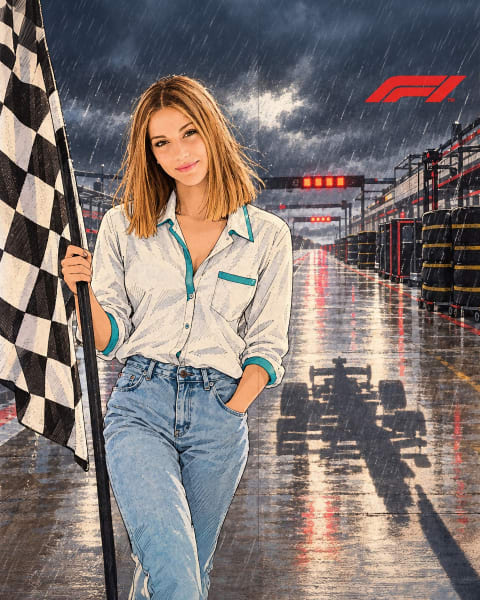
 Premiere Spotlight Stride♡ 1
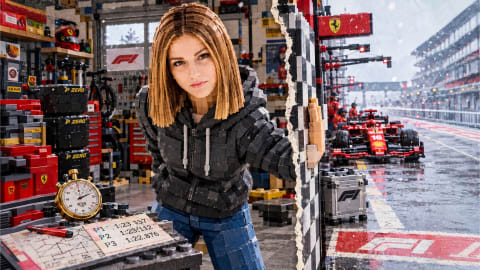
 Blueprint To Premiere♡ 1
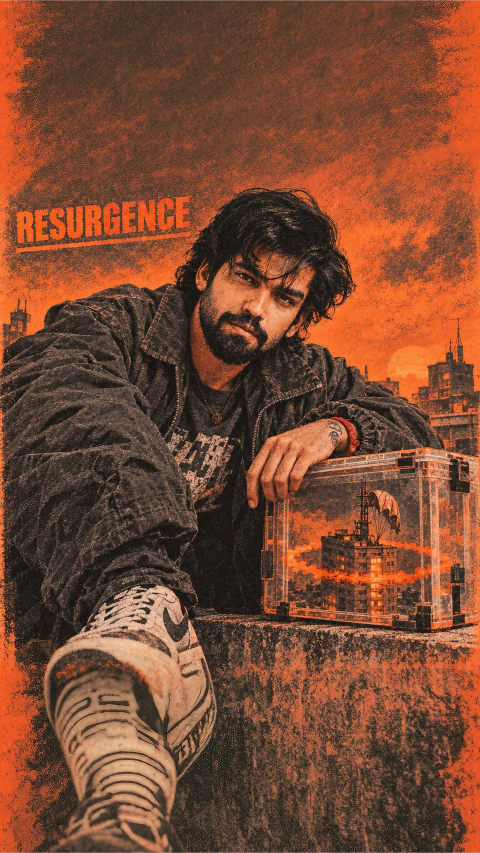
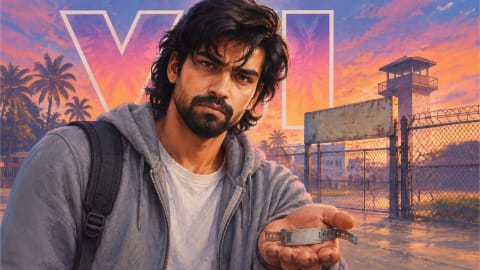 Outlaw’s Empty Shadow♡ 0
 Spain Pulp Hero Campeones 2026♡ 1
 Golden Orb Held High in Caravaggio Darkness♡ 1
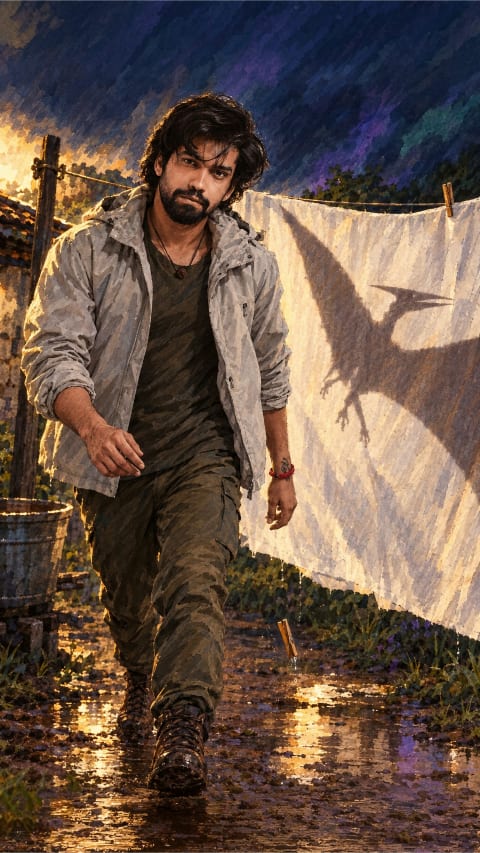
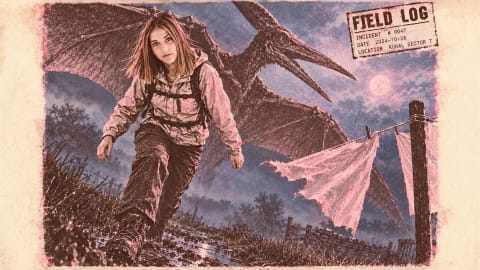
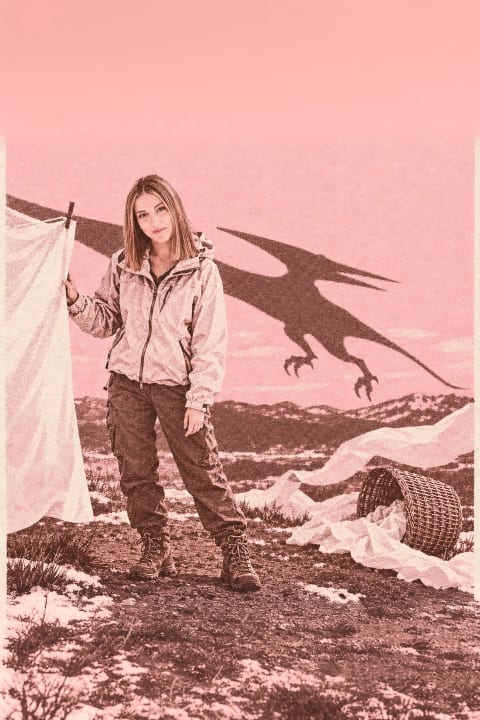 Pterodactyl Shadow♡ 0
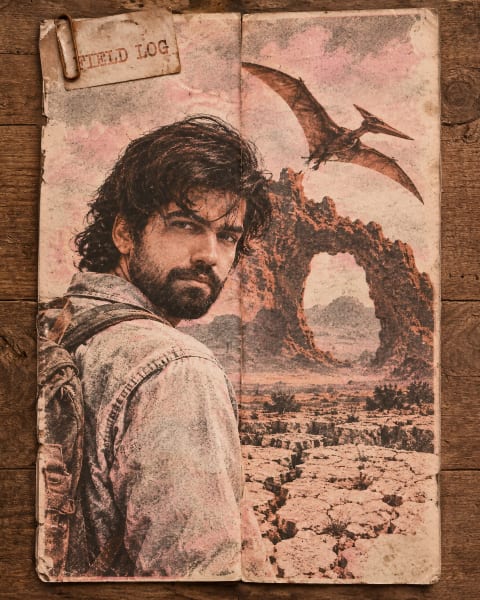
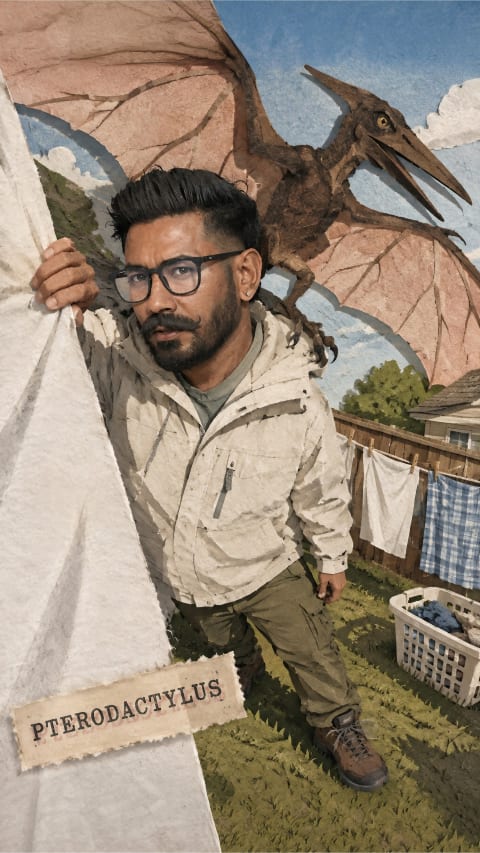 Pterodactyl's Shadow♡ 0
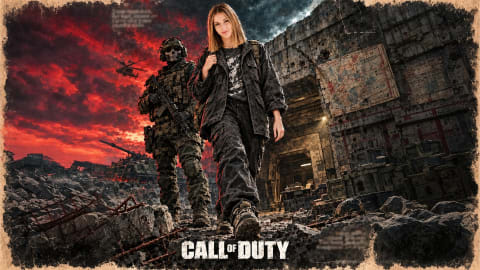 Vanished Squad♡ 0
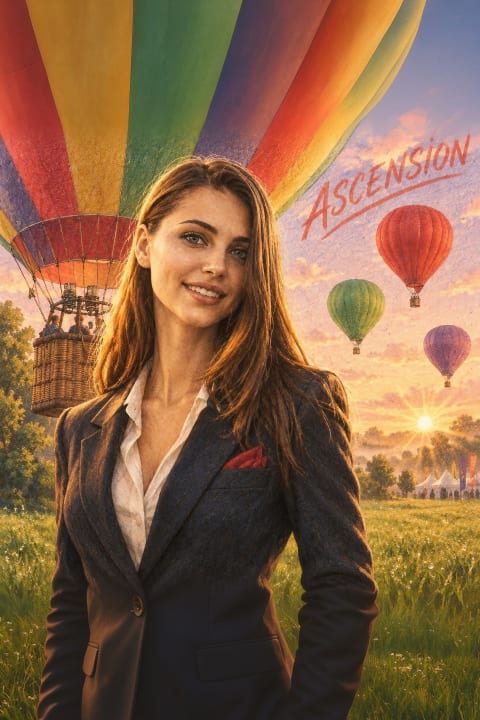
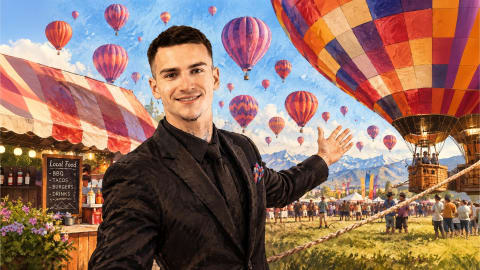
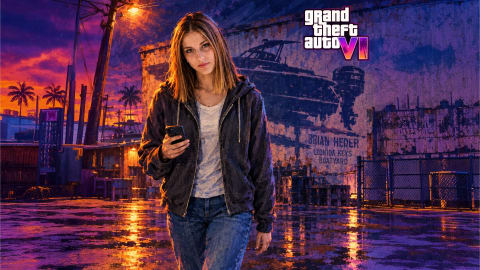



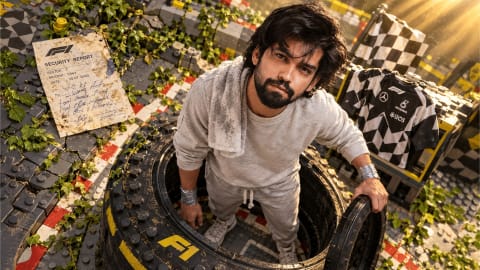
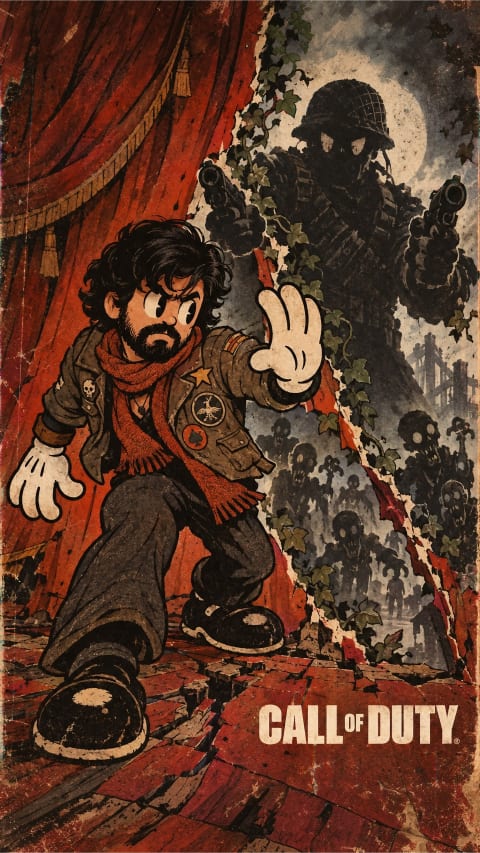
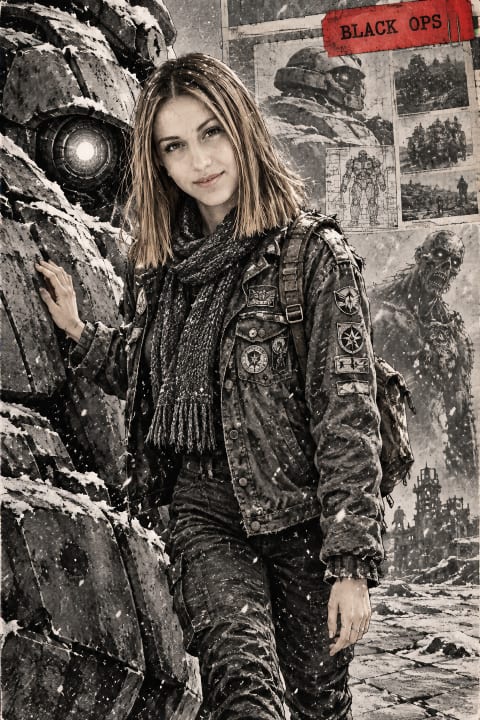
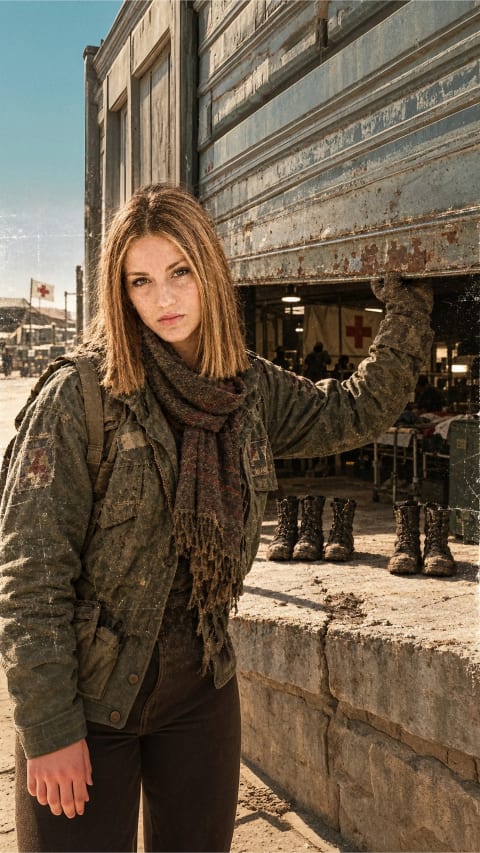

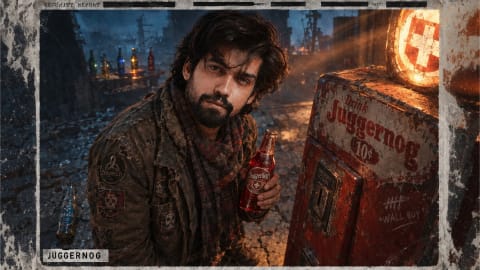
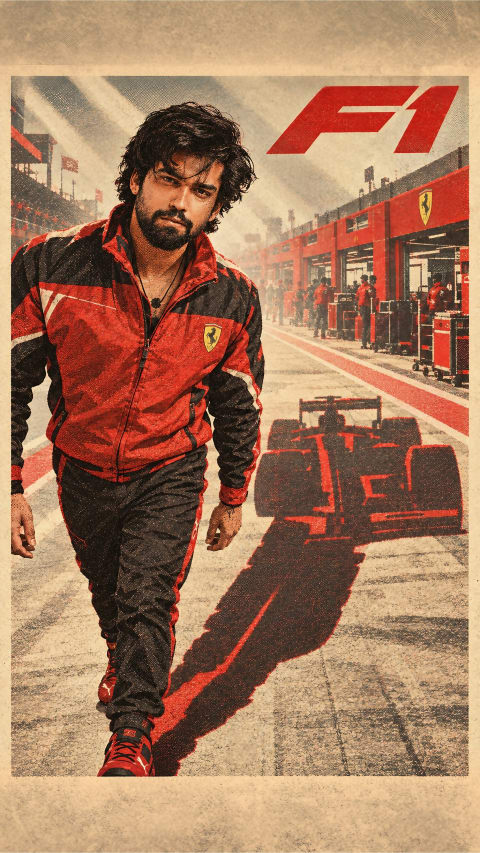
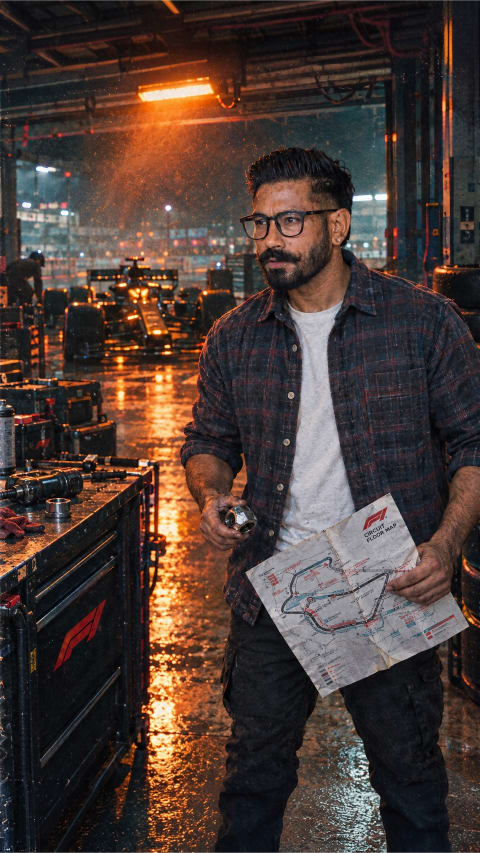
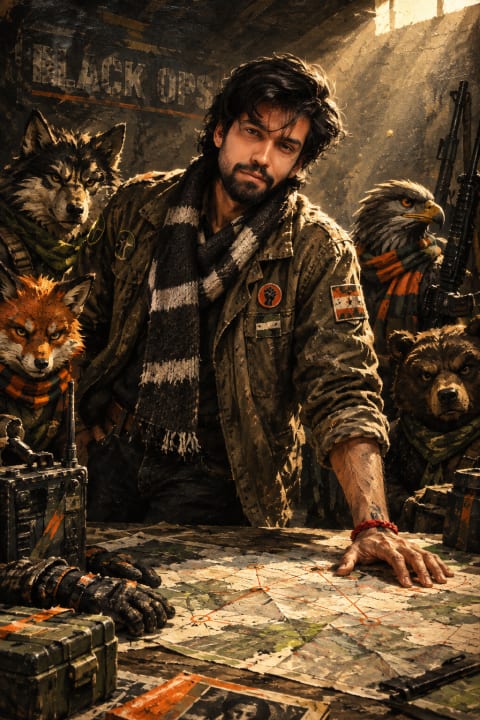
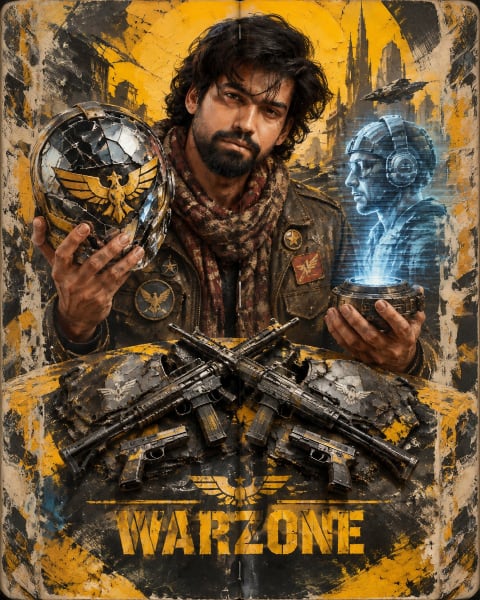
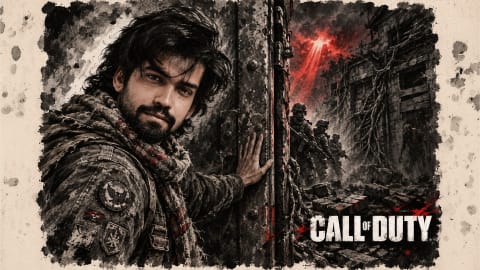
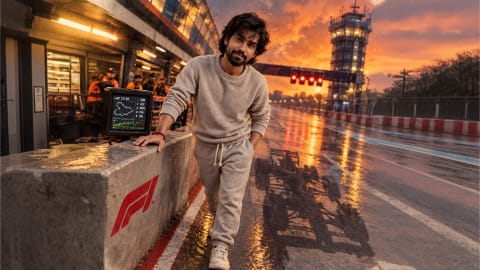

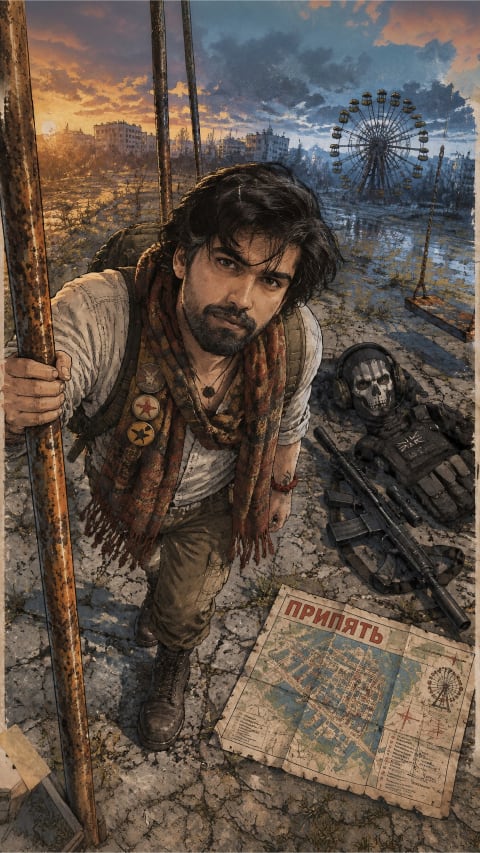
How to get studio-grade AI portraits from these prompts
Ashel AI is a curated reference library of tested AI photo prompts. Unlike raw prompt dumps that list generic one-liners without visual proof, every plate in our gallery shows the actual rendered frame alongside the exact multi-clause prompt that produced it — including camera focal length, lighting setup, wardrobe textures, and facial-likeness instructions designed for ChatGPT and Google Gemini.
1. Pick a plate & match your selfie
Choose a reference image whose head angle and framing roughly match a clear, unfiltered photo of yourself. Even daylight on your face gives the AI clean skin tones and accurate eye geometry before it relights the scene.
2. Unlock & paste with your photo
Tap any card to unlock its full prompt, then click Copy or launch straight into ChatGPT or Gemini. Attach your reference portrait first, paste the prompt, and keep the opening identity-preservation clause intact.
3. Customize lens, light & wardrobe
Once your facial likeness locks in, tweak one variable at a time — swap golden-hour sunlight for neon rain, switch an 85mm close-up to a 35mm environmental shot, or adjust outfit materials without rewriting the whole prompt.
Featured prompt engineering guides
How to Keep Your Face Consistent in AI Photo Prompts
Why AI restyles drift away from your real features — and the exact reference-photo rules and prompt clauses that preserve jawline, eyes, and skin texture.
Camera, Lighting & Lens Keywords That Actually Change AI Portraits
A photographer’s breakdown of 35mm vs 85mm focal lengths, Rembrandt vs rim lighting, and why film-stock cues beat vague words like “ultra realistic 8K.”
ChatGPT vs Gemini for AI Photo Prompts: Hands-On Comparison
Side-by-side testing on facial likeness, dramatic lighting, readable text on jerseys and posters, speed, and when to switch tools before editing your prompt.
Turning Photos into Pencil Sketches & Ink Crosshatch Art
How to Specify paper tooth, 2B/6B graphite weight, and nib hatching direction so AI drawings look hand-drawn instead of cheap photo filters.