// prompt collection
Shadow portrait AI prompts
One light, deep blacks, a face half-dissolved into darkness — low-key portraiture compressed into a prompt. These are the highest-contrast plates in our pool, and the exact prompt behind each is one unlock away, ready for ChatGPT or Gemini.
 Cosmic Date Embrace♡ 3
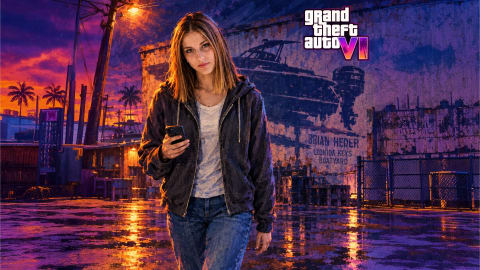 Smuggling Shadows♡ 0
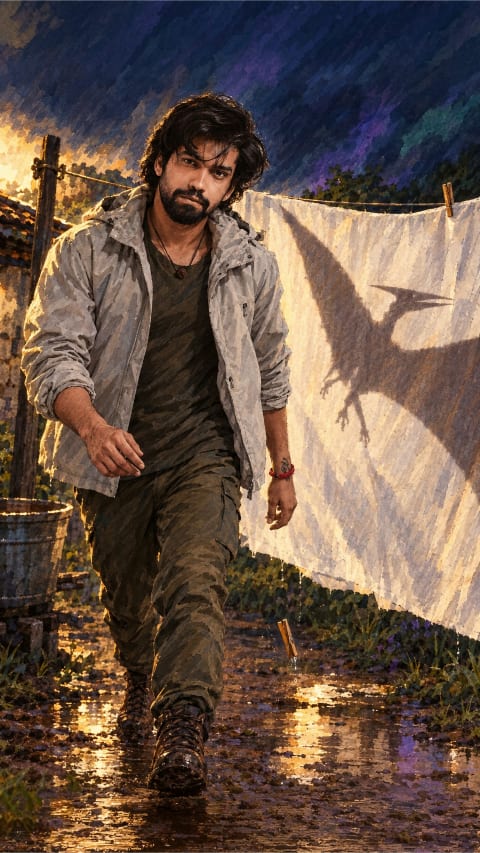 Laundry Yard Encounter♡ 0
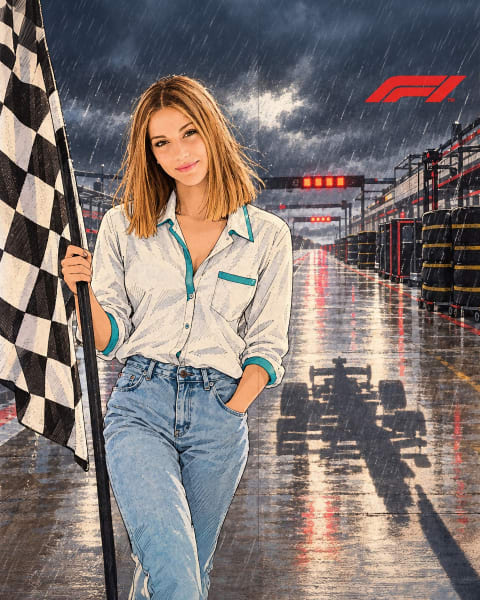 Racing Shadow♡ 0
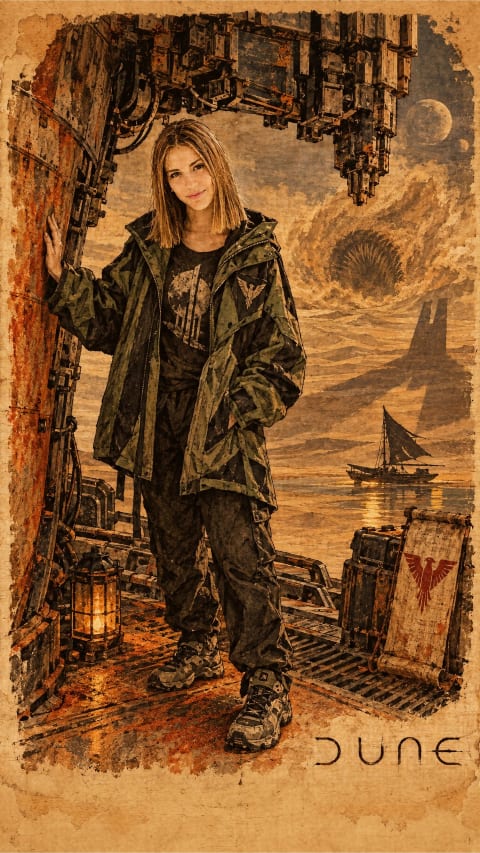 Harvest Beneath Shadows♡ 0
 The Other Mother 2♡ 0
 Mirror Rift Stare♡ 0
 Joyful Silhouette♡ 0
 Painted Shadow Pose♡ 0
 Paper Cut Pose♡ 0
 Curb Triumphant Shadow♡ 0
 Triumphant Curb Pose♡ 0
 Zandvoort Blueprint Rise♡ 0
 Noir Throne King♡ 0
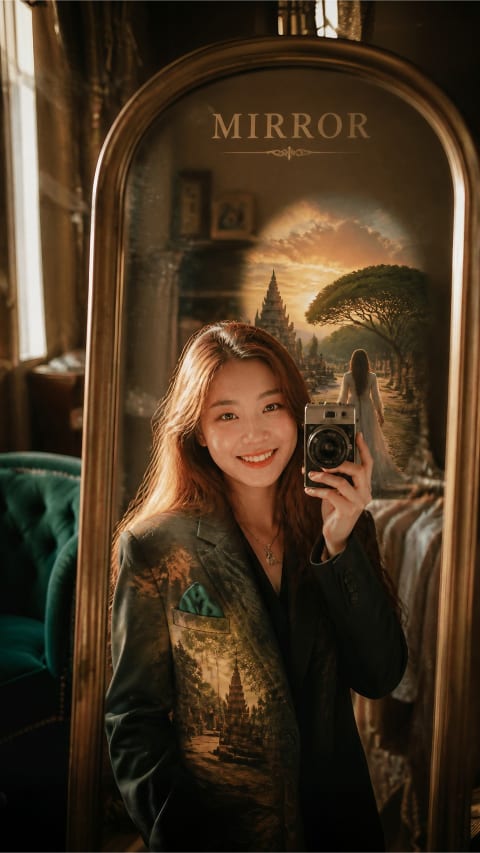 Mirror Dreamscape♡ 0
 Hellfire Shadow Rider♡ 0
 Golden Orb Rises, Messi Falls to Shadow♡ 0
 Golden Orb Above the Fallen Shadow♡ 2
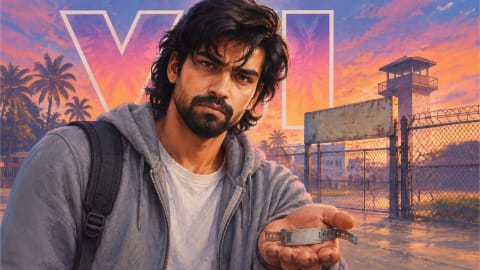 Outlaw’s Empty Shadow♡ 0
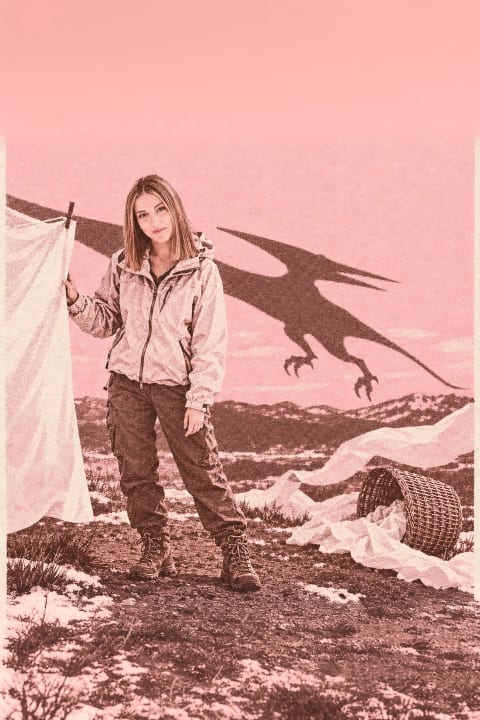 Pterodactyl Shadow♡ 0
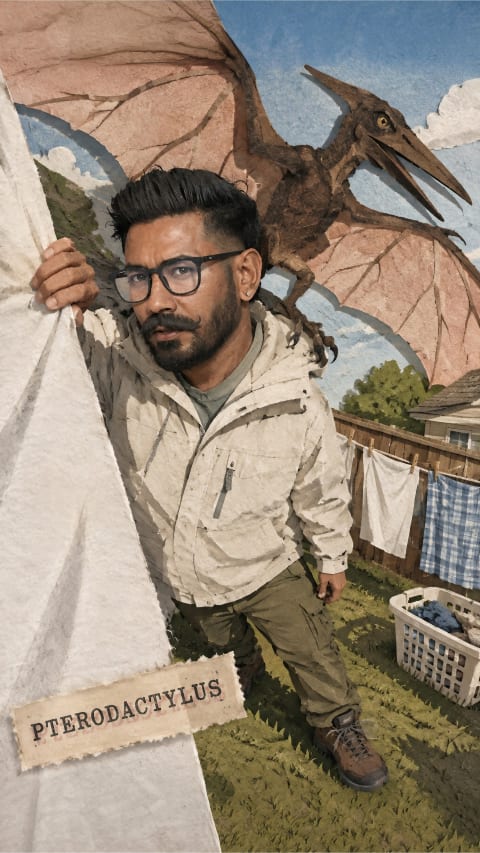 Pterodactyl's Shadow♡ 0
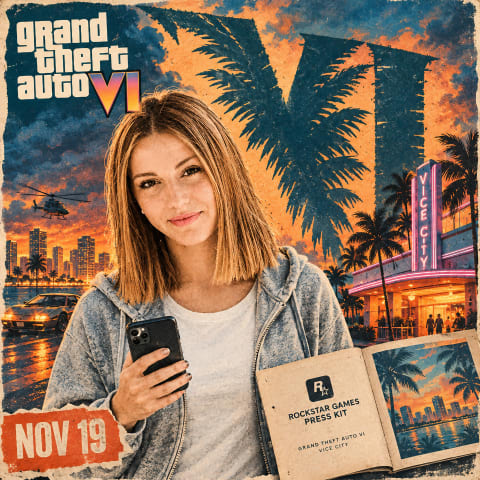 Palmshadow Evidence♡ 0
 Shadow Mother Watching♡ 0
 The Other Mother♡ 0
 Other Mommy Shadow♡ 0
 Emerald Shadow Muse♡ 0
 Shadow Baton Pose♡ 0
 Mirror Silhouette Pose♡ 0
 Paper Cut Elegance♡ 0
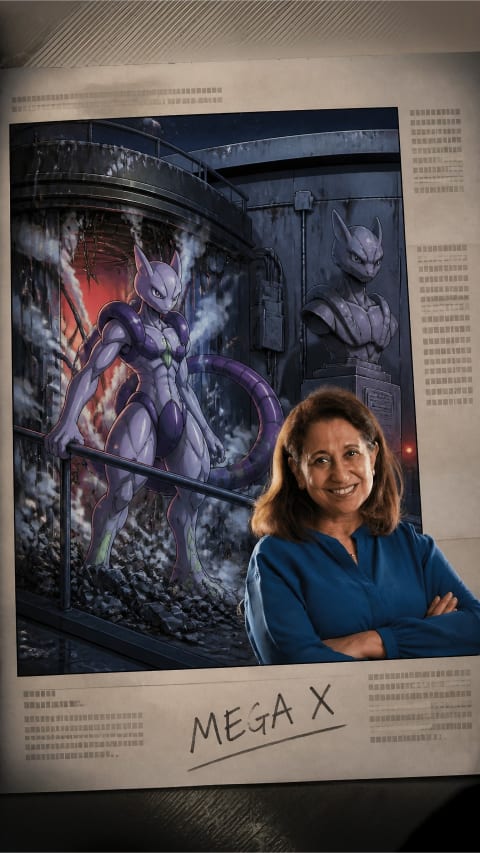 Armored Shadow Rise♡ 0
 Toxic Shadow Stride♡ 0
 Webshadow Omen♡ 0
 Hellfire Shadow♡ 0
 Spain Roars Beneath the Scoreboard Shadow♡ 0
How to adapt shadow portrait ai prompts to your own photo
Every prompt in this Shadow portrait collection is written as a modular scene recipe rather than a rigid one-word filter. When you upload a selfie alongside the unlocked text in ChatGPT or Google Gemini, the opening clause anchors your facial proportions while the remaining clauses build wardrobe, lighting direction, lens depth, and color grade around you.
Reference photo checklist
Use an unobstructed, eye-level photo shot at arm’s length or further in natural daylight. Avoid heavy sunglasses, harsh overhead shadows, or ultra-wide close-ups that exaggerate nose-to-ear perspective.
Safe edits vs. risky edits
Keep the identity-preservation sentence at the top verbatim. Below it, freely swap color palette, time of day, weather, or fabric textures — changing one clause per render so you can see exactly what moved.
ChatGPT vs. Gemini tip
Start in ChatGPT when strict facial likeness and multi-part wardrobe rules matter most; try the identical prompt in Gemini when you want punchier photorealistic lighting or crisp lettering inside the frame.
Questions people ask
What does "low-key" mean in these prompts?
A lighting style where most of the frame is dark and a single source shapes the face. The prompts specify the light angle and falloff, which is why the shadows land consistently.
Will these prompts work with a bright source photo?
Yes — the AI relights the scene. A photo with even, flat light actually converts more cleanly than one with harsh mixed lighting.
How do I make the result moodier or softer?
After unlocking, adjust the contrast words: "deep black shadows" toward "soft graduated shadow" softens it; adding "hard rim light" sharpens the edge.