// prompt collection
AI avatar prompts
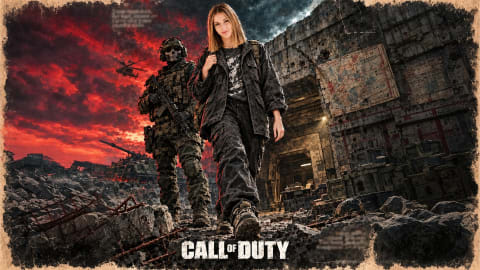
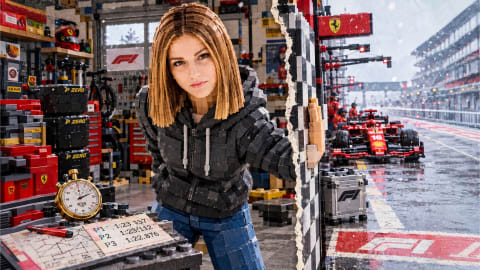
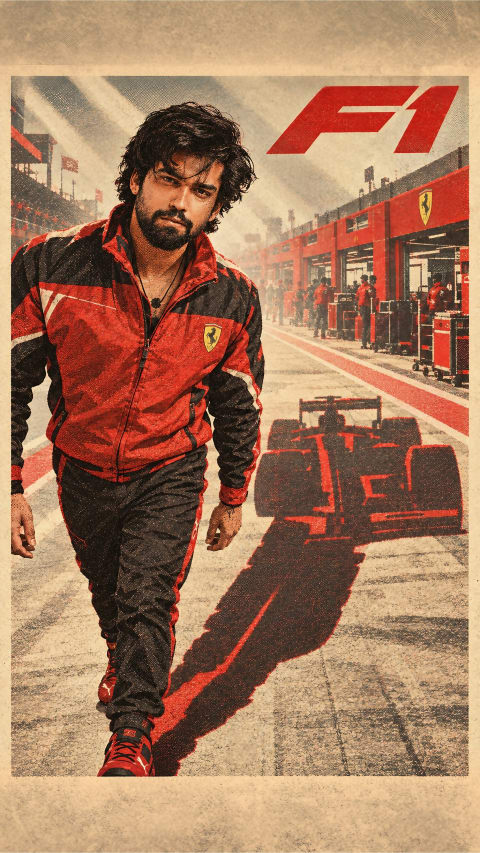
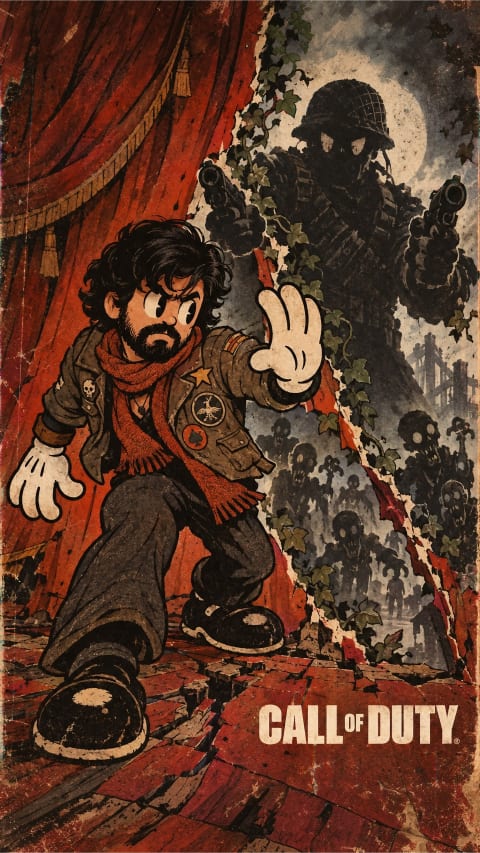
A good avatar reads clearly at 48 pixels and still rewards a full-size look. The prompts in this collection are tuned for exactly that: bold framing, clean rim light, simplified backgrounds. Unlock any prompt below and reuse it on your own photo in ChatGPT or Gemini.
More prompts you may like
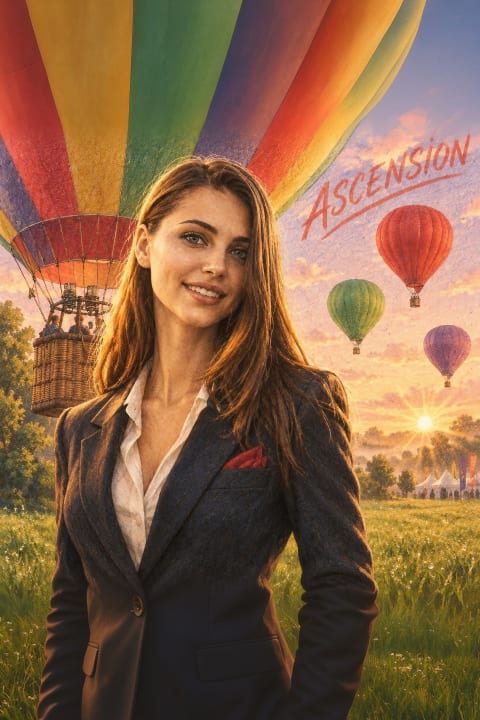

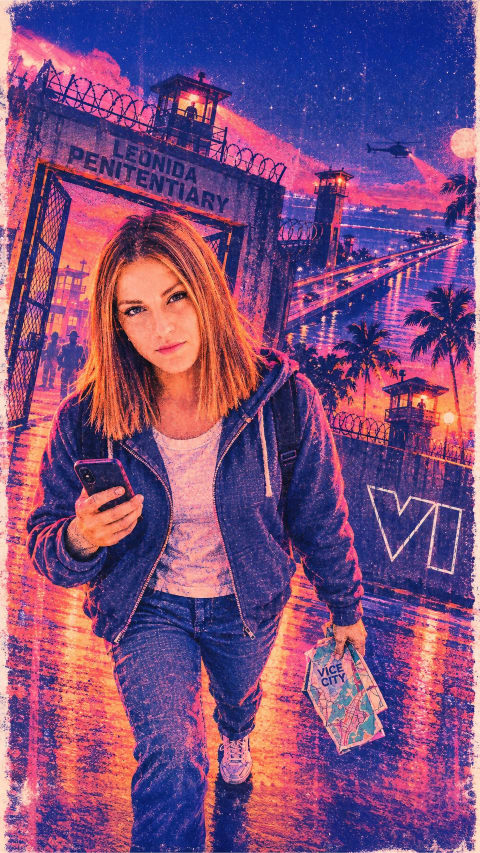
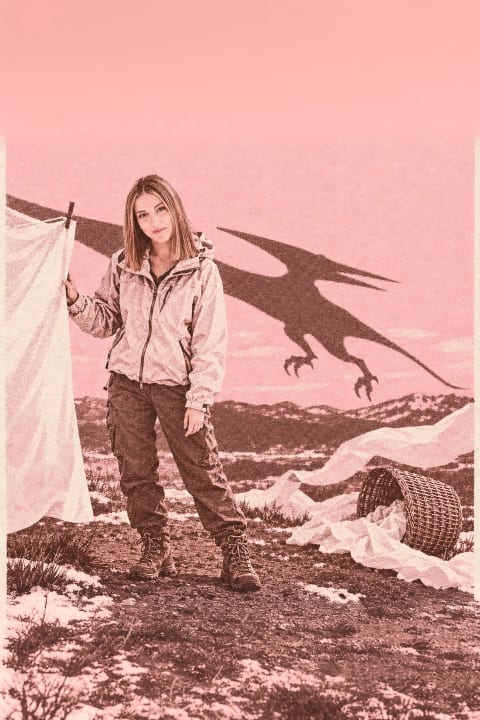
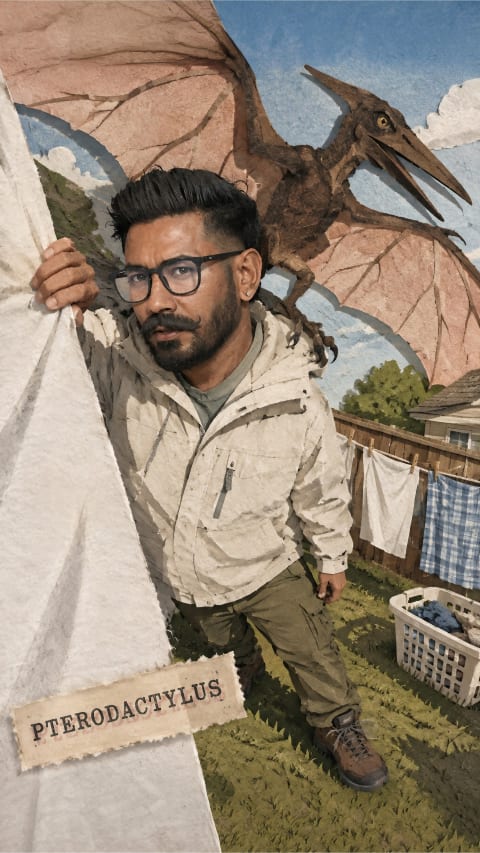

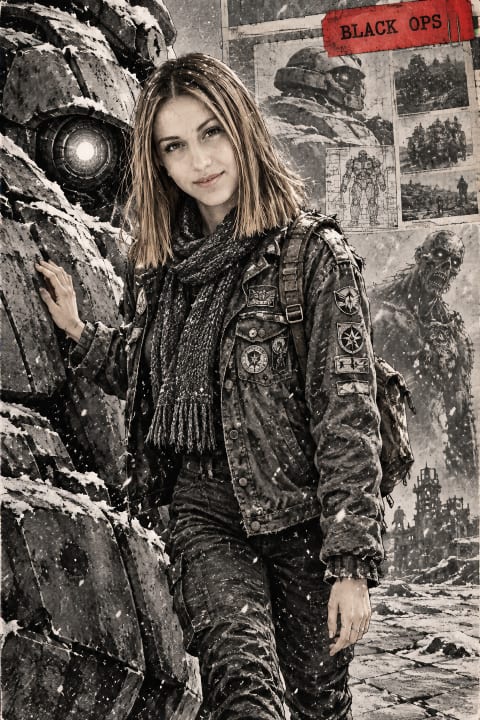
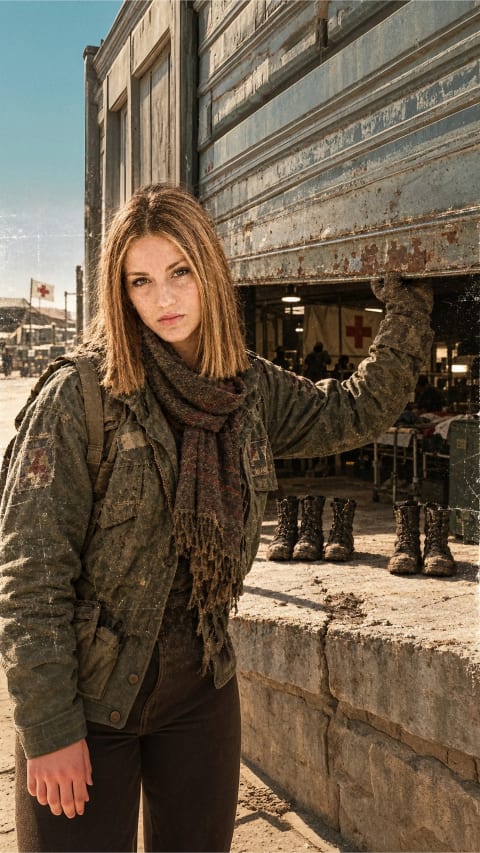


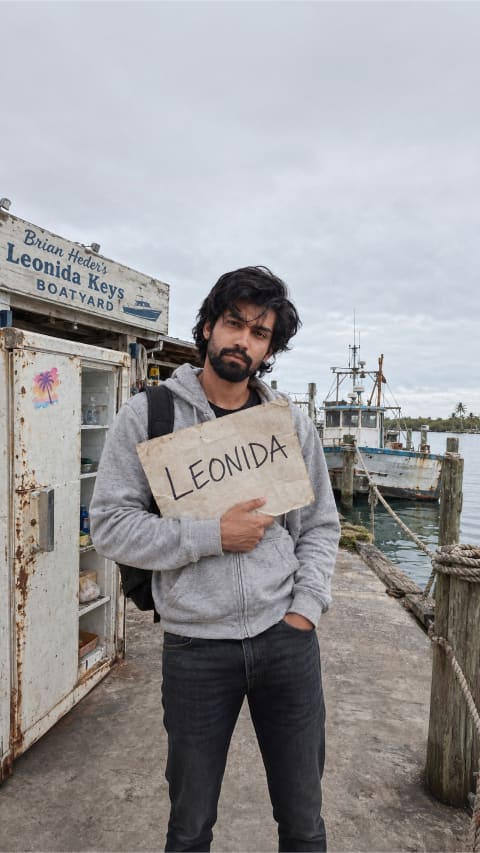


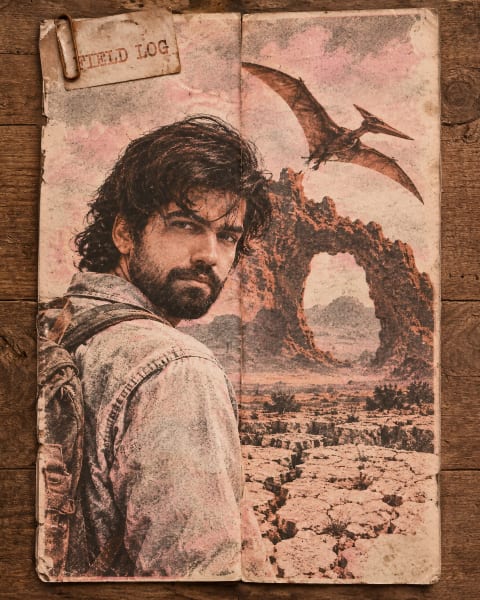
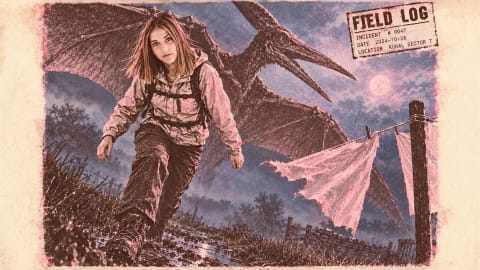
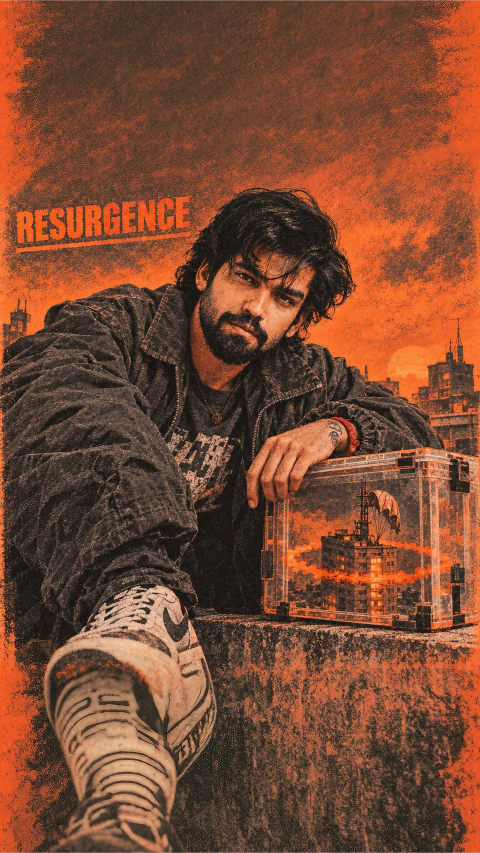
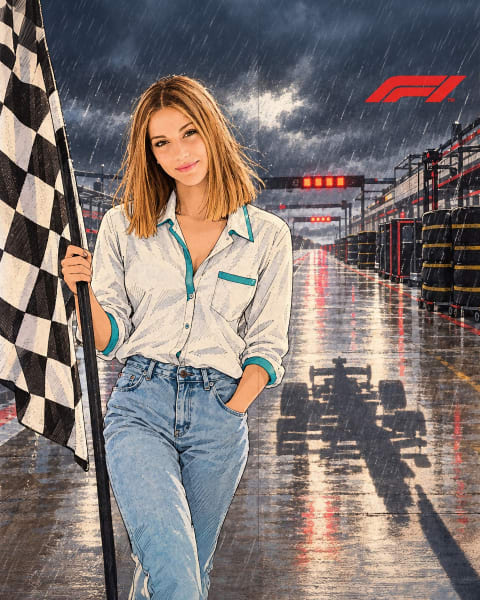
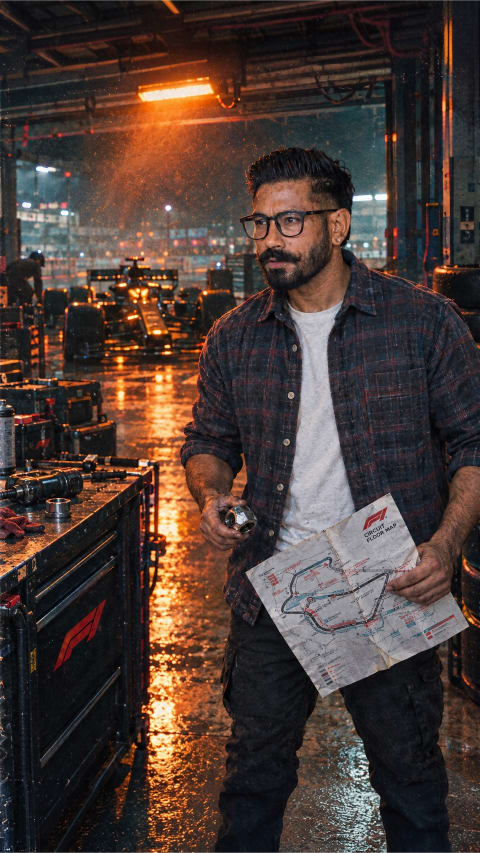
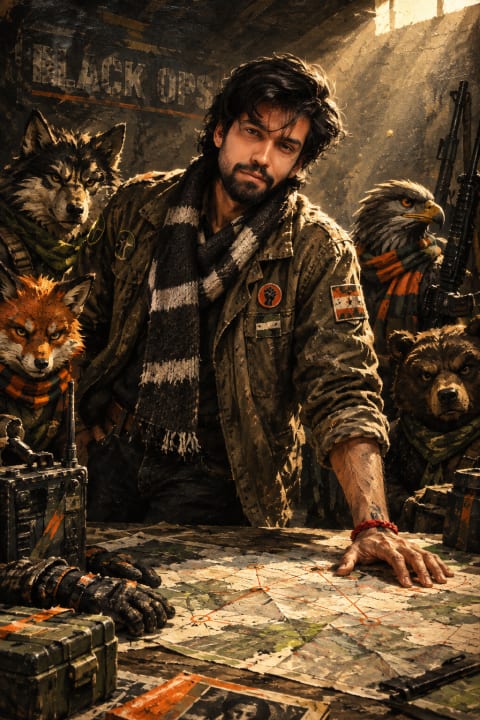
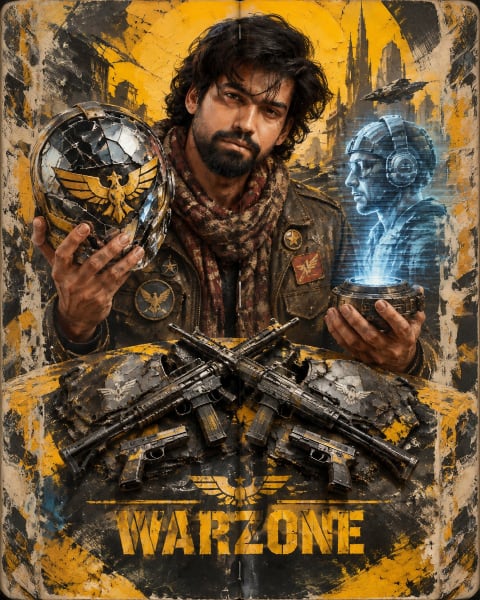
How to adapt ai avatar prompts to your own photo
Every prompt in this AI avatar collection is written as a modular scene recipe rather than a rigid one-word filter. When you upload a selfie alongside the unlocked text in ChatGPT or Google Gemini, the opening clause anchors your facial proportions while the remaining clauses build wardrobe, lighting direction, lens depth, and color grade around you.
Reference photo checklist
Use an unobstructed, eye-level photo shot at arm’s length or further in natural daylight. Avoid heavy sunglasses, harsh overhead shadows, or ultra-wide close-ups that exaggerate nose-to-ear perspective.
Safe edits vs. risky edits
Keep the identity-preservation sentence at the top verbatim. Below it, freely swap color palette, time of day, weather, or fabric textures — changing one clause per render so you can see exactly what moved.
ChatGPT vs. Gemini tip
Start in ChatGPT when strict facial likeness and multi-part wardrobe rules matter most; try the identical prompt in Gemini when you want punchier photorealistic lighting or crisp lettering inside the frame.
Questions people ask
What size photo should I start from for an avatar?
Anything sharp works — the AI recomposes to a tight head-and-shoulders crop. Avoid photos where your face is small or motion-blurred.
Can I use these avatars on social profiles?
Yes — images you create from your own photo with these prompts are yours to use on any profile. Check your AI tool’s own usage terms for specifics.
How do I keep the avatar looking like me?
These prompts include identity-preserving language ("keep the same face"). Paste the prompt unchanged, attach a clear photo, and adjust only the style words if needed.