// prompt collection
AI knight portrait prompts
Plate armor with candle-lit reflections, weathered cloaks, castle-hall backdrops — these knight portrait prompts read like film stills, not costumes. Each image below carries its full prompt; unlock it and run it on your own photo in ChatGPT or Gemini.


More prompts you may like
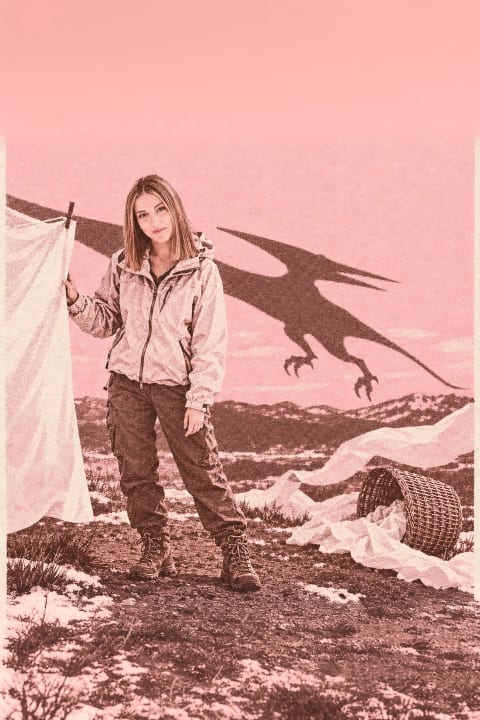
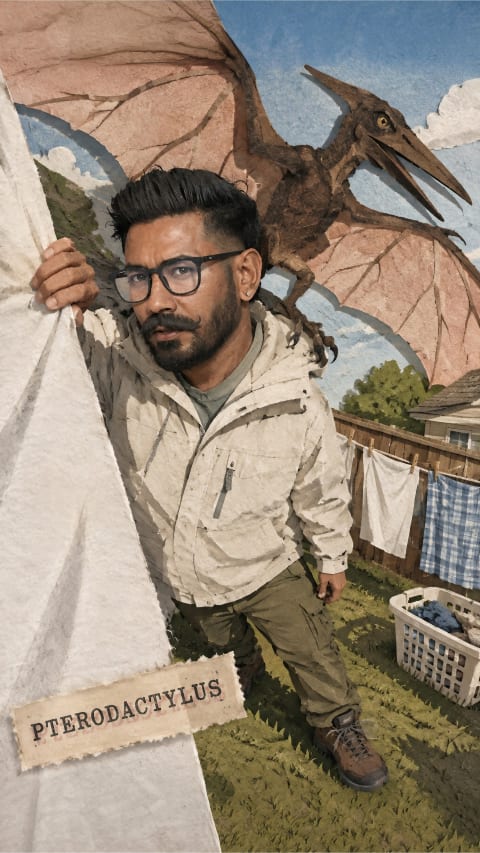
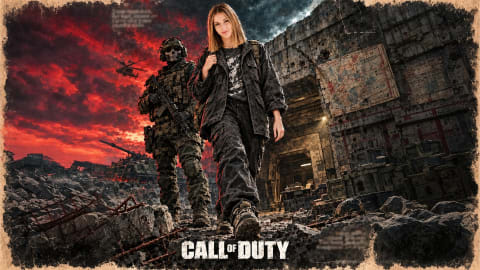
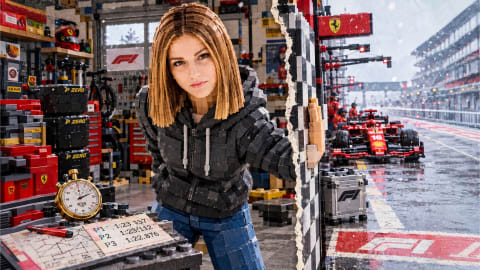
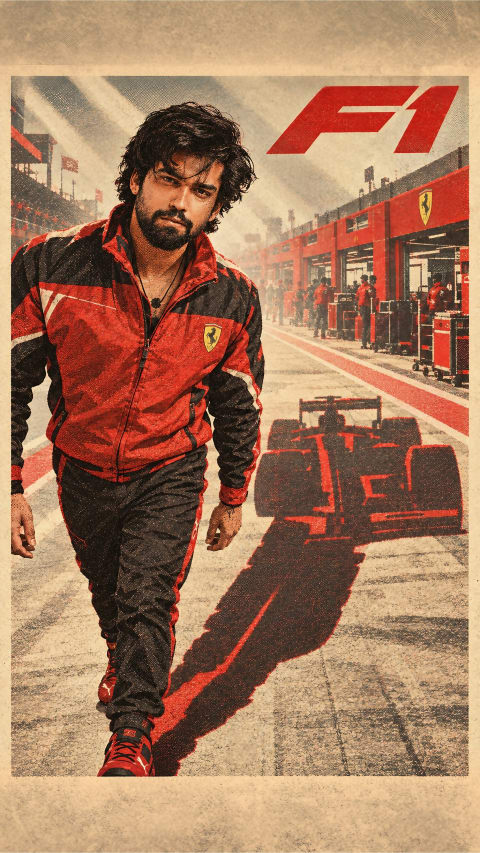
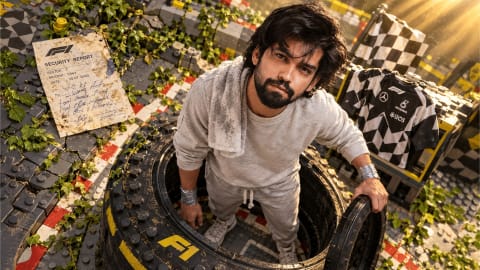
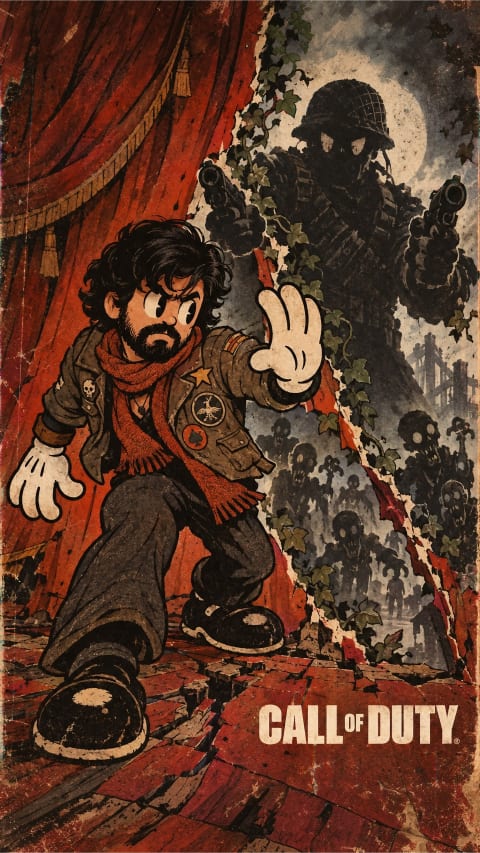

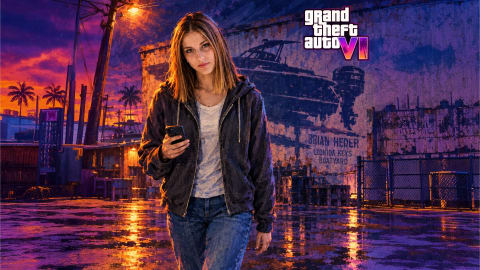
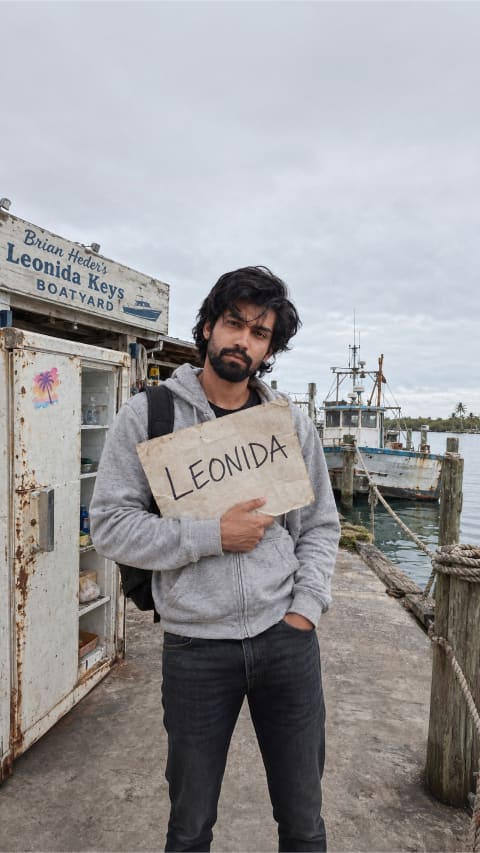
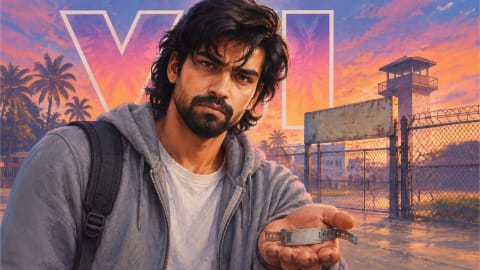
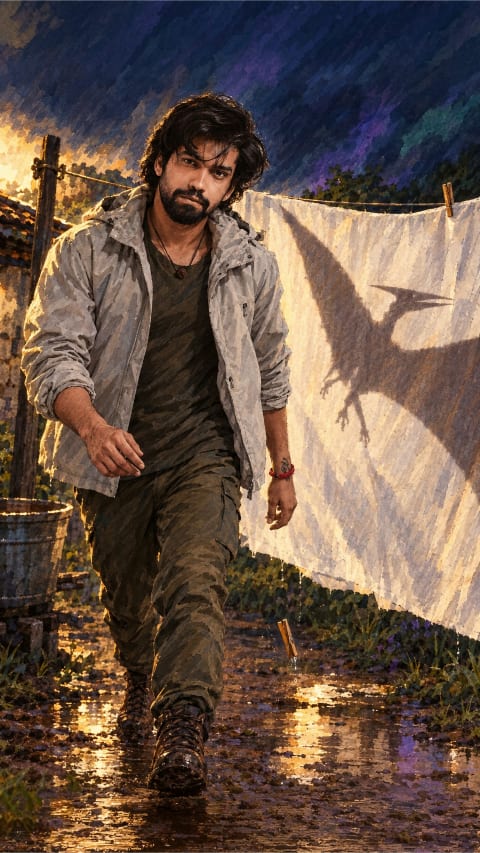
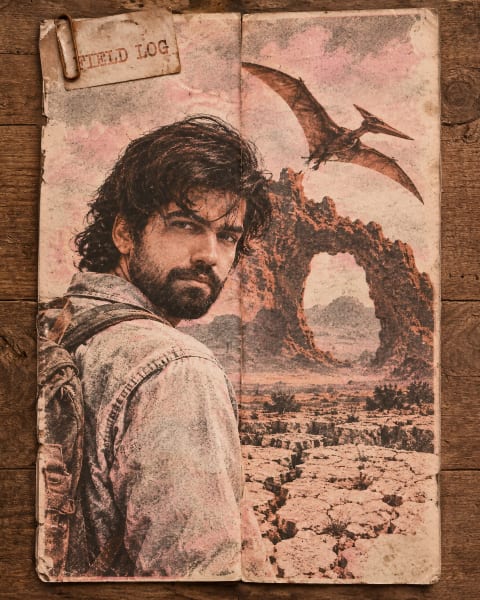
How to adapt ai knight portrait prompts to your own photo
Every prompt in this Knight portrait collection is written as a modular scene recipe rather than a rigid one-word filter. When you upload a selfie alongside the unlocked text in ChatGPT or Google Gemini, the opening clause anchors your facial proportions while the remaining clauses build wardrobe, lighting direction, lens depth, and color grade around you.
Reference photo checklist
Use an unobstructed, eye-level photo shot at arm’s length or further in natural daylight. Avoid heavy sunglasses, harsh overhead shadows, or ultra-wide close-ups that exaggerate nose-to-ear perspective.
Safe edits vs. risky edits
Keep the identity-preservation sentence at the top verbatim. Below it, freely swap color palette, time of day, weather, or fabric textures — changing one clause per render so you can see exactly what moved.
ChatGPT vs. Gemini tip
Start in ChatGPT when strict facial likeness and multi-part wardrobe rules matter most; try the identical prompt in Gemini when you want punchier photorealistic lighting or crisp lettering inside the frame.
Questions people ask
What makes a good knight portrait prompt?
The strong ones specify the armor material and wear, one light source (torchlight, overcast sky), and a period backdrop. The prompts in this collection already do that — copy one and swap in your photo.
Can I get the armor without changing my face?
Yes. Most of these prompts instruct the AI to keep the subject’s face and only restyle clothing, lighting and background. Check the prompt text after unlocking — the instruction is included.
Are these prompts free to use?
Completely. Unlock any card, copy the prompt, and use it in ChatGPT, Gemini or any image tool you already have.